
4.6 KiB
4.6 KiB
Steps for making a bolt card with NXP TagXplorer software
Introduction
Here we describe how to create your own bolt card with NXP TagXplorer software.
Resources
-
some cards
- NXP DNA 424 NTAG cards
-
a good NFC reader/writer
- Identiv uTrust 3700 F
-
software
Steps
Connect to the card
- start the NFC TagXplorer software
Connectto the NFC card reader- place a card on the reader and click
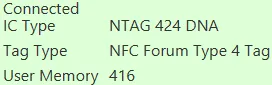
Connect Tag - verify the card description
Read the card
- select
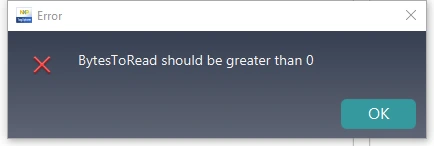
NDEF OperationsandRead NDEF - if you get this error, click
Format NDEFand try again
- verify that the read completes without erroring
Start to set up the URI template
- select
NTAG Operations,Mirroring FeaturesandNTAG 424 DNA - set
Protocoltohttps:// - set
URI Datato
lnurlw://card.yourdomain.com/ln
- select
Add PICCDATAandEnable SUN Message - adjust the
URI Datato
lnurlw://card.yourdomain.com/ln?p=00000000000000000000000000000000&c=0000000000000000
- click after
p=and note the p_position (41 in this case) - click after
c=and note the c_position (76 in this case) - select
Write To Tag
- now go back to
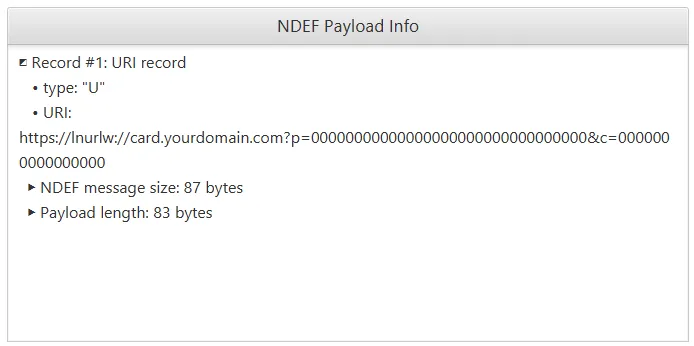
NDEF OperationsandRead NDEF - verify that the
NDEF Payload Infois as expected
Finish setting up the URI template
- notice that the URI shows as
https://lnurlw://card ...but we wantlnurlw://card ... - go to
NTAG OperationsandNTAG 424 DNA - select
Read/Write data - select
File NoasNDEF File - 02 - click
Read
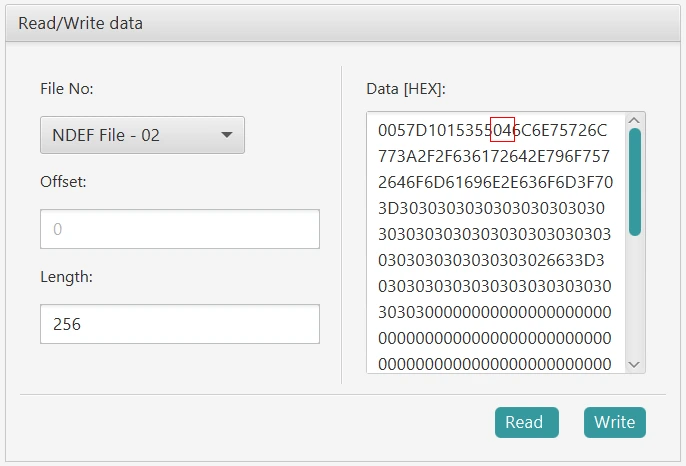
- the NDEF file is
0057D1015355046C6E75726C .... - look for the bytes
5504(6 bytes from the start) 04is the code forhttps://URI prepending- change the
04to00to indicate no prepending for the URI
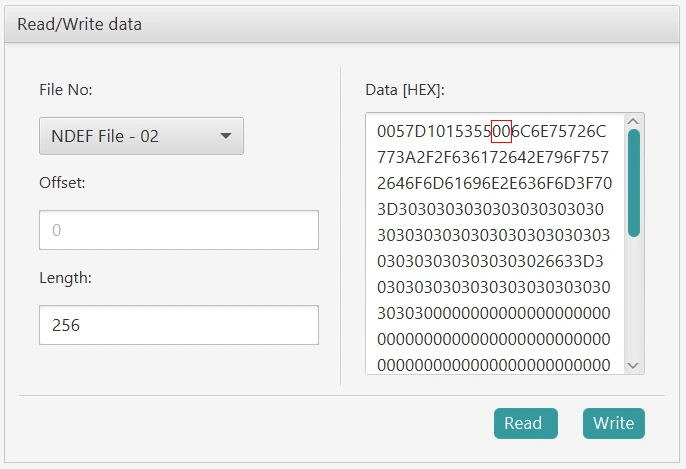
- click
Write
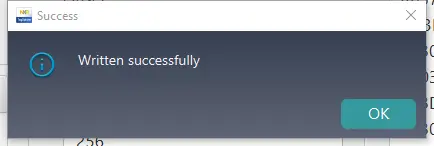
- now go back to
NDEF OperationsandRead NDEF - verify that the
NDEF Payload(HEX) Infois similar to that shown

- copy the hex data and convert to text, without the
0x00prefix - verify you have your expected
URI datavalue
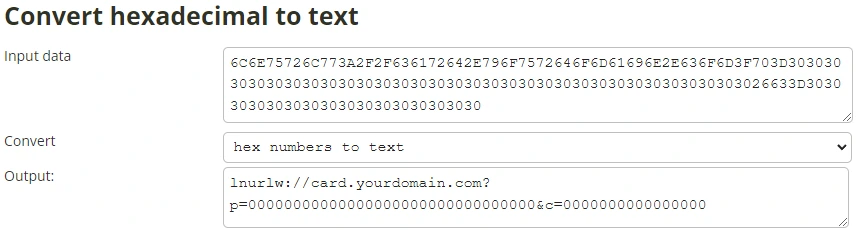
Set up the SUN authentication message
- go to
NTAG OperationsandNTAG 424 DNA - select
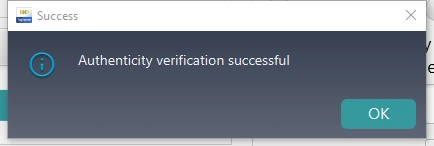
Security Managementand clickAuthentiate First
- select
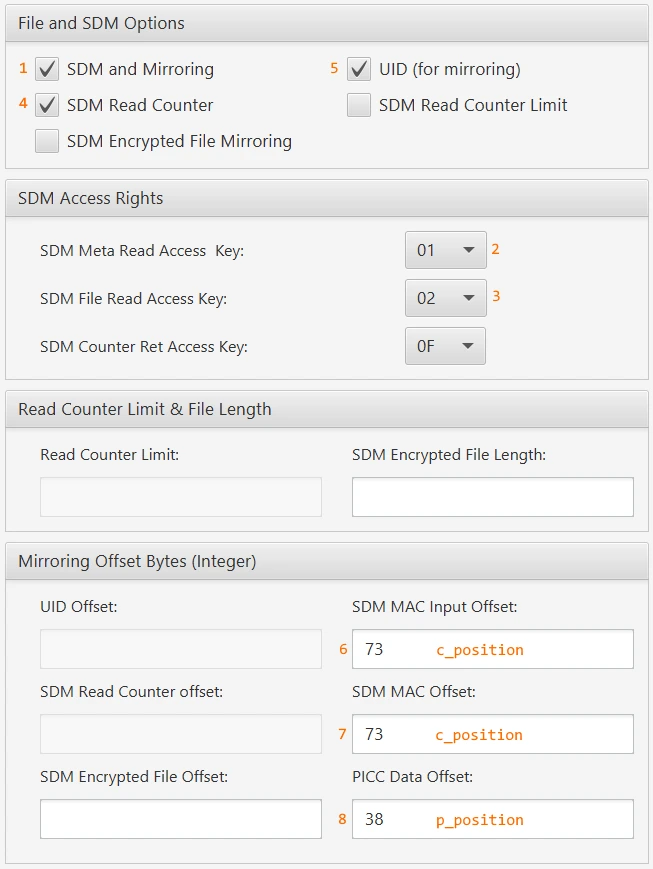
Get/Change File Settings
- set up the values in the order shown
- select
Change File Settings
- now go back to
NDEF OperationsandRead NDEF - convert the hex data to text again
- verify that the
pandcvalues are non zero - select
Read NDEFagain - convert the hex data to text again
- verify that the
pandcvalues are in the right place - verify that the
pandcvalues change on each read
Change the application keys
- go to
NTAG OperationsandNTAG 424 DNA - select
Security Management - select
Authenticate - leave the
Card Key Noset to00 - leave the
Keyvalue set to00000000000000000000000000000000if not changed yet - click
Authenticate First
- select
Change Key - select the
Card Key Noto change the key value for00to04 - leave the
Old Keyvalue set to00000000000000000000000000000000if not changed yet - enter a
New Keyvalue as required - enter a
New Key Versionvalue of00or as required to keep track of your keys - click
Change Key
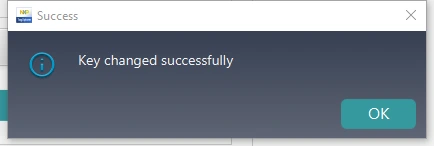
- repeat this to change all 5 application keys to your own values
Lock the card
- go to
NTAG OperationsandNTAG 424 DNA - select
Security Managementand clickAuthentiate First - select
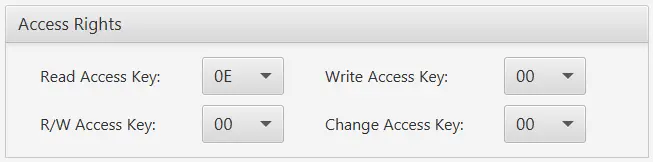
Get/Change File Settings - adjust the
Access Rightssettings as shown
Testing
- set up a bolt card service
- add a record in the database for the new card
- use a merchant point of sale to scan your bolt card, e.g. Breez wallet
- watch the bolt card service logs and verify that the requests are received and processed